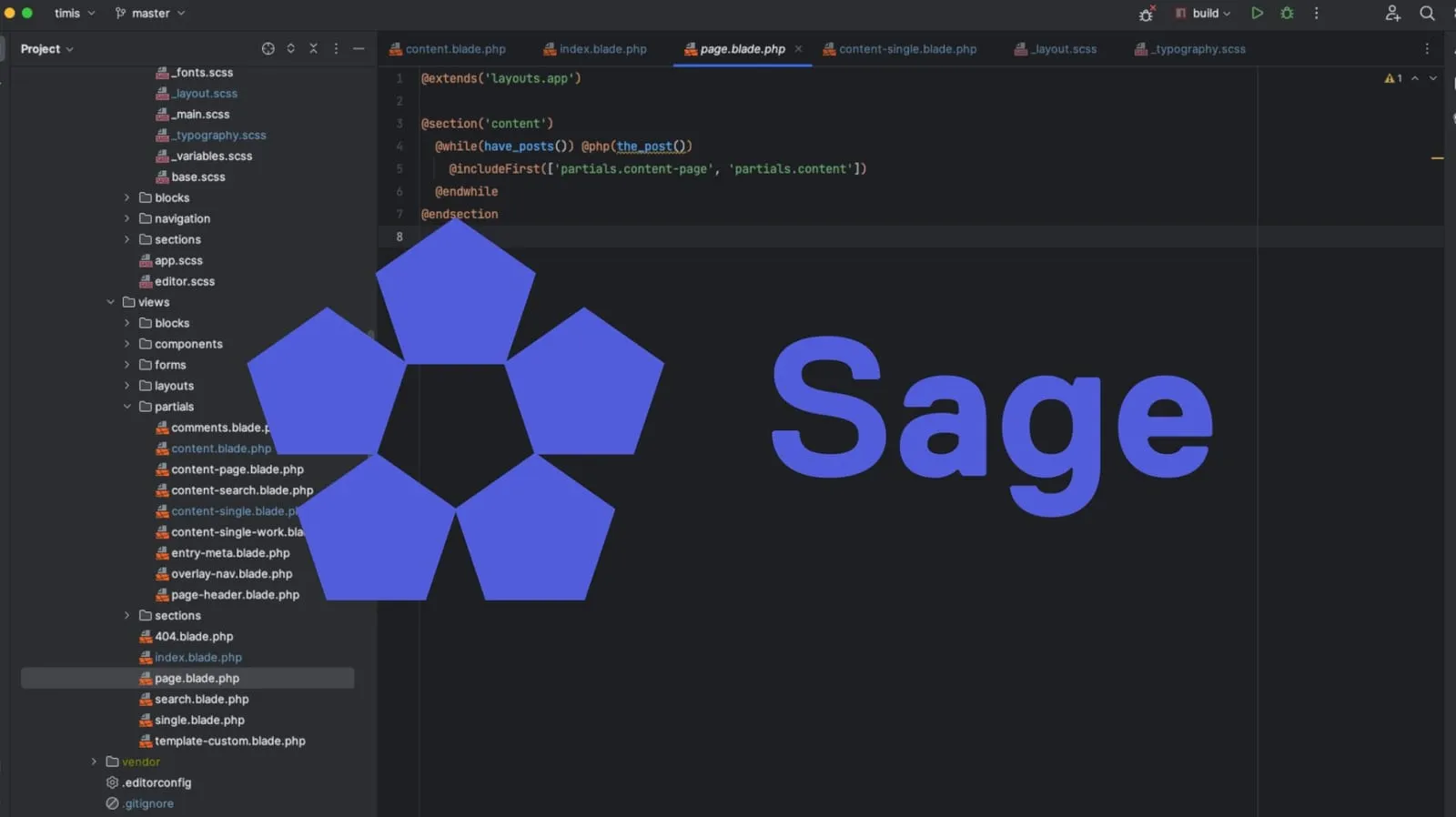
The starter theme you pick shapes everything that follows on a WordPress project: how fast the team can build, how the block editor behaves, how the site performs and how painful it is to maintain three years later. We have tried most of the options, and almost every custom WordPress theme we build starts from Roots Sage. This post was first written for Sage 10; it is now updated for Sage 11, which replaced the whole build pipeline.
What Sage is
Sage is an open-source WordPress starter theme maintained by Roots, the team behind Bedrock and Trellis. It is not a parent theme and not a page builder. It is a clean starting point with a modern workflow:
- Laravel Blade templates and components instead of PHP mixed with HTML
- Vite for the dev server and production builds, with hot module replacement
- Tailwind CSS 4 out of the box
- Acorn, which brings Laravel’s service container, config, views and Artisan-style commands into WordPress
- Block editor support built in, including a
theme.jsongenerated from your Tailwind config
What changed in Sage 11
Sage 11 was released in March 2025 together with Acorn 5. If you know Sage 10, these are the changes that matter:
| Sage 10 | Sage 11 | |
|---|---|---|
| Build tool | bud.js (webpack) | Vite (laravel-vite-plugin + @roots/vite-plugin) |
| Package manager | Yarn by default | npm (npm run dev, npm run build) |
| Tailwind | v3, tailwind.config.js |
v4, configured in CSS with @theme |
theme.json |
generated by a bud extension | generated by wordpressThemeJson() in vite.config.js |
| Assets in Blade | @asset() / bundle() |
@vite([...]) and Vite::asset() |
| Acorn bootstrapping | \Roots\Acorn\Bootloader |
Application::configure()->withProviders([...])->boot() |
| PHP | 8.1+ with Acorn 4 | 8.2+ (the current main branch asks for 8.3 and Acorn 6) |
The result is a much faster dev server, instant CSS updates in the browser and in the block editor, and a build config that fits on one screen.
1. Blade templates instead of PHP spaghetti
Classic WordPress themes mix logic and markup in the same files, which gets hard to manage on larger projects:
<?php if ( have_posts() ) : while ( have_posts() ) : the_post(); ?>
  <h2><?php the_title(); ?></h2>
  <?php the_content(); ?>
<?php endwhile; endif; ?>
Blade separates logic from presentation, supports layouts and reusable components, and escapes output by default, which removes a whole class of XSS mistakes:
@while(have_posts()) @php(the_post())
  <h2>{{ get_the_title() }}</h2>
  @php(the_content())
@endwhile
A button becomes <x-button href="/contact/">Start a project</x-button>, defined once and used everywhere. View composers keep data preparation out of the templates, so designers and developers can work on the same component without stepping on each other.
2. The block editor matches the front end
This is the part clients notice. Sage 11’s Vite config includes the wordpressThemeJson() plugin, which reads your Tailwind theme (colours, font families, font sizes, border radius) and writes it into theme.json. WordPress then uses that file to configure the editor:
- Consistent styling: the colour palette and type scale in the editor are exactly the ones on the site. Editors cannot pick an off-brand colour because it is not in the list.
- Less CSS: defaults live in
theme.jsoninstead of being overridden with more CSS, so pages ship less code. - Editor HMR:
resources/css/editor.cssandresources/js/editor.jsare loaded into the block editor, and changes appear there without a reload while you develop.
For custom blocks we pair Sage with ACF Composer or native blocks registered from the theme. Each block gets a Blade view, so a pricing table, a testimonial slider or a case-study grid is a small, structured piece of code the marketing team can use without ever breaking the layout. Les Cours Bellerive, a bilingual condo sales site we have run since 2020, is built this way: Sage, Blade templates and ACF field groups kept in code.
3. A build pipeline you don’t have to fight
Sage 11’s vite.config.js is short: Tailwind, the Laravel Vite plugin with four entry points (app and editor CSS/JS), wordpressPlugin() to handle WordPress script dependencies, and wordpressThemeJson(). Adding TypeScript, Sass or a front-end framework is a regular Vite plugin, not a custom webpack loader. Production builds are hashed and loaded through Vite’s manifest, so browsers can cache assets for a year.
4. Laravel inside WordPress, through Acorn
Acorn is what makes Sage feel like a modern application rather than a theme. You get service providers, a config directory, Laravel collections, caching, and wp acorn commands for things like clearing the view cache or scaffolding components. On larger sites it lets us organise custom post types, integrations and business logic the way we would in a Laravel app, and test them the same way.
5. Longevity
Sage has been maintained for over a decade and has been rewritten several times to keep up with the ecosystem: from Gulp to webpack, to bud.js, and now Vite. The public API a theme relies on (Blade views, composers, Acorn providers) has stayed stable enough that upgrading is a bounded job rather than a rebuild.
Getting started with Sage 11
You need PHP 8.2+ (8.3 for the current main branch), Composer and Node.js 20.19+ or 22.12+.
# inside wp-content/themes (or web/app/themes on Bedrock)
composer create-project roots/sage my-theme
cd my-theme
npm install
Set base in vite.config.js to the public build path of your theme, for example /wp-content/themes/my-theme/public/build/ on a standard install or /app/themes/my-theme/public/build/ on Bedrock. Then:
npm run dev    # dev server with hot reload
npm run build  # production build to public/build
If WordPress shows “Vite manifest not found”, the assets have not been built yet. Run npm run build once.
Upgrading a Sage 10 theme
Moving a Sage 10 theme to 11 is mostly mechanical. The order that causes the least pain:
- Update Acorn and switch
functions.phptoApplication::configure(). - Replace
bud.config.jswithvite.config.jsand move from Yarn to npm. - Replace
@asset()andbundle()calls with@vite()andVite::asset(). - Move the Tailwind 3 config into CSS (
@theme) and check every utility that changed in v4. - Rebuild and compare
theme.jsonoutput, since editor colour and font slugs can change.
Budget more time for step 4 than for the rest combined.
When Sage is not the right choice
Sage is built for developers. If the site will be assembled entirely by non-developers in a page builder, or if the team has no one comfortable with Composer and a build step, a block theme or a simpler setup will be easier to own. For a marketing site that a team edits every week and a developer maintains for years, we have not found anything better.
Need help with a Sage theme?
We build and maintain custom WordPress themes on Sage for companies in Europe and North America, and we can take over an existing Sage theme that needs an upgrade. See our WordPress development services or get in touch.