A client came to us with the job nobody wants: upgrading a bilingual WordPress site that hadn’t been updated in years.
One tested step at a time, the site went from WordPress 6.3 to 7.1 and from PHP 8.2 to 8.4, with two dozen plugins updated along the way. Visitors noticed nothing. Here is how we did it, and what would have gone wrong if we had just clicked “Update”.
A true story. The client asked us not to show their site, which is why there isn’t a single screenshot of it here: the pictures in this post are illustrations. The numbers and everything that broke are exactly as they happened.
Why the upgrade kept getting postponed
The site has around a hundred pages across two languages, and its forms bring in enquiries every day. When a site makes money, nobody wants to be the one who broke it.
And it had been tried before. Another agency once ran the update, it didn’t go well, and the site was restored from a backup. After that, the rule was simple: it works, so nobody touches it.
What we found:
- WordPress from 2023 and about two dozen plugins behind their current versions
- PHP 8.2, whose security support ends in December 2026
- a custom theme built on outdated tooling, which could no longer produce a working production build
Nobody could say what an upgrade would break. So it kept being postponed, and the backlog grew.
The approach: measure first, touch later
We did not touch the live site until a copy proved it would look the same after the upgrade.

- Copy. From a backup we rebuilt an identical site on our own machine: same database, same images, same versions of everything.
- Baseline. A script opened every page in both languages, on desktop and mobile, and saved 208 screenshots. With each one it also saved the visible text and any browser errors.
- Calibration. Before upgrading anything we compared the copy with the live site. The first differences were faults in the copy, not the site. Left in, they would later have been blamed on the upgrade.
- One change per step. The theme, WordPress, the plugins, PHP and the multilingual plugin each went separately. A new comparison followed every step, so each problem had exactly one suspect.
- Only then the live site. Same order, a check after every step, and a fresh backup before the most sensitive part.
What would have broken if we had just clicked “Update”
The first comparison after upgrading the copy showed changes in 189 of 208 screenshots. None of this was in any changelog.
The look of almost every page. The new WordPress misread the old theme and started treating it as a different kind of theme. Icons vanished, headings stretched and buttons changed style. The fix was a few lines of code, once we knew where to look.
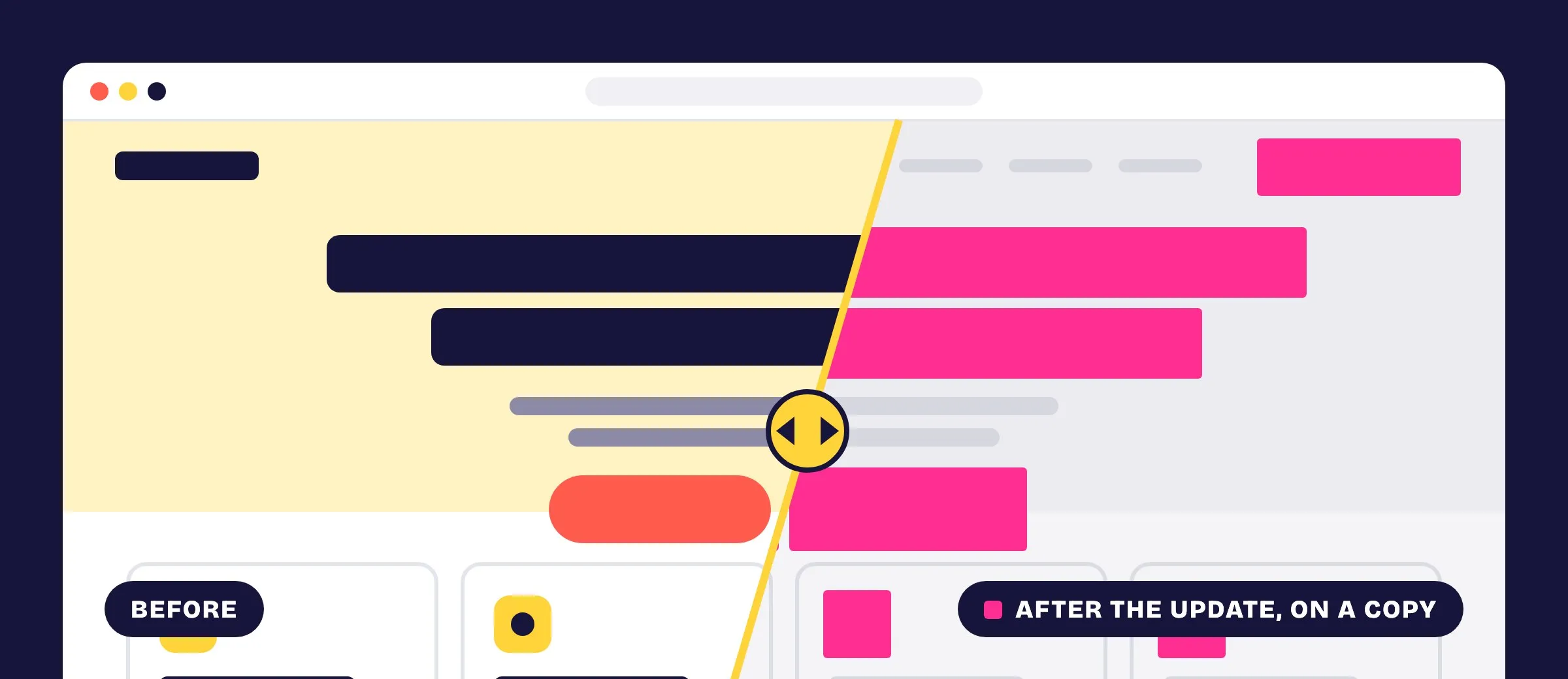
Content editing. An editor add-on, last updated by its author in 2024, crashed the editor on every page. A database check showed it was used on 8 pages and that the theme already covered everything it did. We switched it off and the screenshots stayed identical.
Ad tracking. After the live upgrade the pages looked the same, but the Facebook pixel no longer started. The new pixel plugin clashed with the site’s speed plugin. Screenshots can’t show that; we caught it because we also record browser errors. Without the pixel, ads still cost money but their results aren’t measured.
Search engine tags. The new version of the multilingual plugin moved the language tags (hreflang) from the pages to the sitemap on its own. We switched them back, so nothing changed for search engines.
The result
Everything is up to date, the site looks the same and it can be maintained normally again. 208 screenshots checked. Not a single visible change caused by the upgrade.
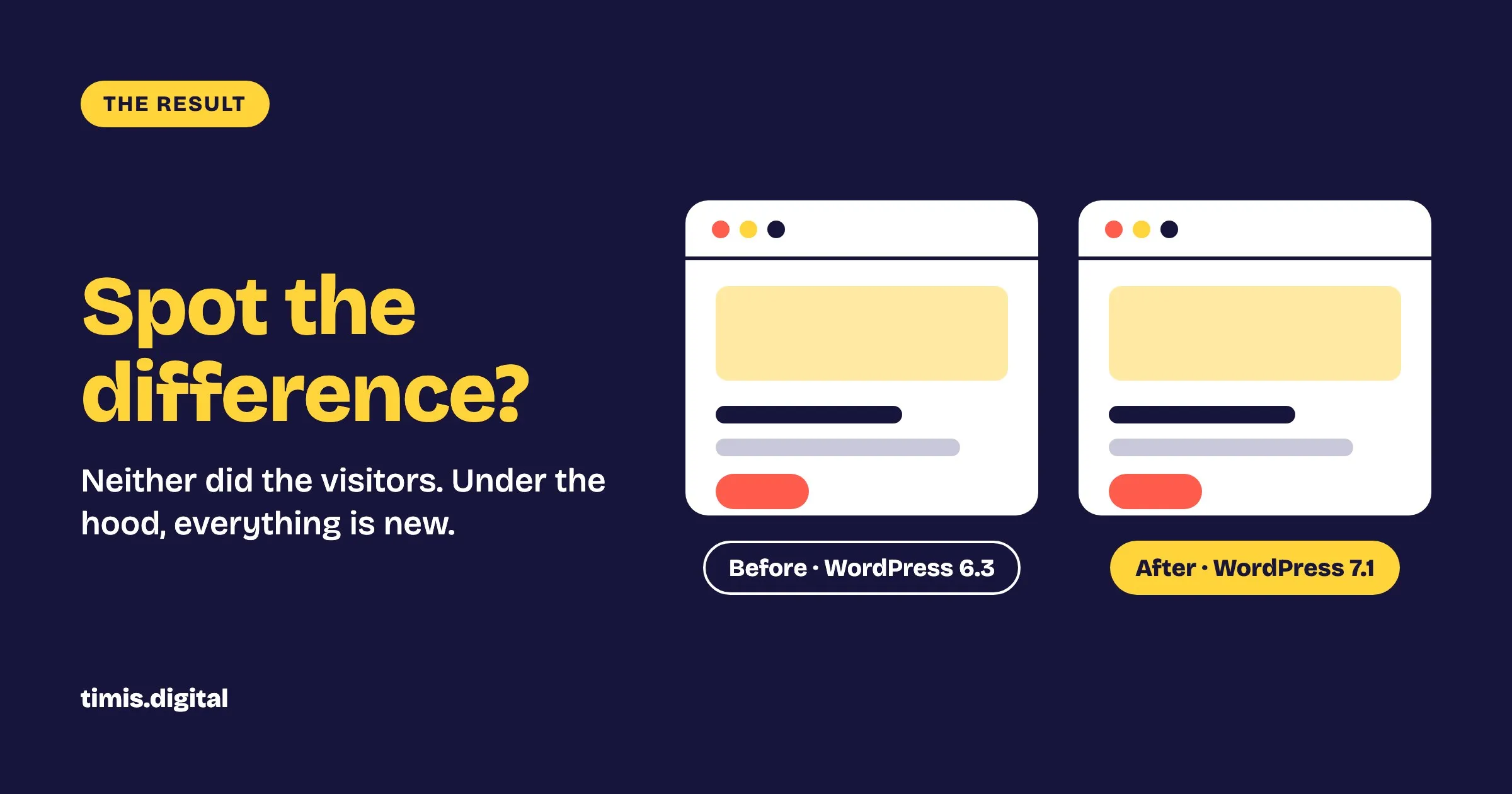
| Before | After | |
|---|---|---|
| WordPress | 6.3 | 7.1 |
| PHP | 8.2 | 8.4 |
| Outdated plugins | about two dozen | 0 |
| Theme CSS size | 554 KB | 450 KB |
Editing still works in both languages. We checked with a test edit in each: it saved, appeared only in its own language, and was then reverted.
What this means for your site
- Postponing makes the risk bigger. The backlog grows every year, and old versions lose security support.
- “It looks fine” is not proof that it works. Ad tracking and search engine tags can break without anything showing on the page.
- An upgrade is not something you try on the live site. Everything that could break did break on the copy, where nobody saw it.
- The changelog doesn’t know your site. The worst break came from an old theme meeting a new WordPress, and no release note mentioned it.
Got a site that “works, so don’t touch it”?
Get in touch. We like this kind of work. If you’d rather not face a backlog like this again, our care plans keep core and plugins updated every month.